As we head into a new year, it’s a great time to do a quick health check on your devices and online safety habits.
A few important reminders we’re encouraging everyone to keep in mind:
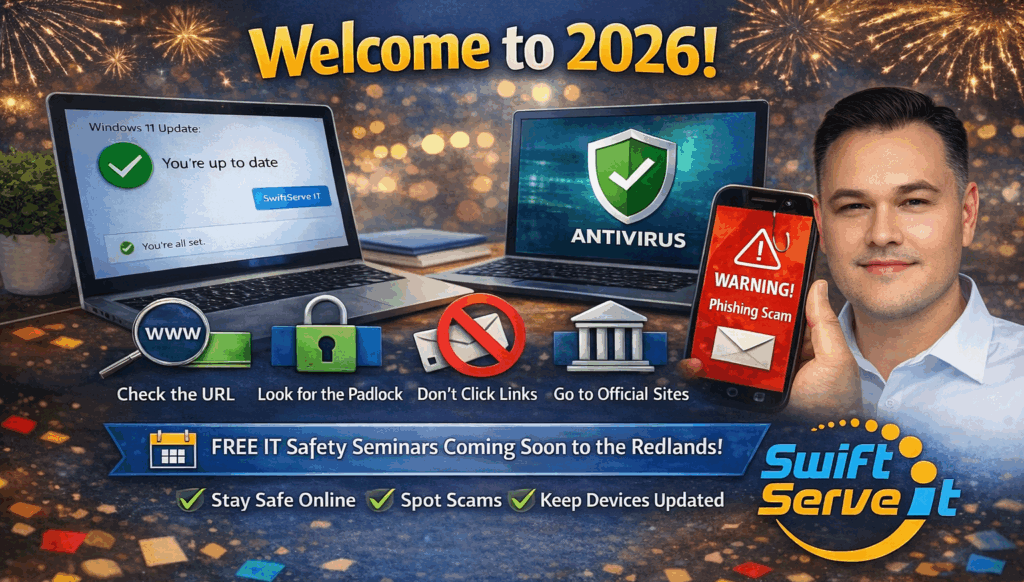
 Make sure Windows 11 is fully up to date. Security updates only protect you if they’re installed. Check your antivirus is active and current. An expired or incorrectly installed subscription offers little to no protection. Stay extra vigilant against online scams. Scams continue to rise, especially via email and text messages.
Best practices to protect yourself online:
 Always check the website address (URL) carefully
 Look for the padlock (SSL certificate) in your browser
 Do not click links in emails or text messages
 If you receive a message from a business or government agency, go directly to their official website by typing it into your browser and log in from there.
 Never give anyone access to your computer unless you know exactly who they are, who they work for, and what they are doing
 Coming in 2026:
SwiftServe IT will be running FREE IT Safety Seminars across the Redlands region this year, helping residents and small businesses understand:
 How to stay safe online How to spot scams How to keep devices protected and up to date
 Dates and locations will be announced soon.
Here’s to a safe, secure, and stress-free year ahead.
SwiftServe IT
ABN: 38 460 099 144
Business Office: (07) 3184 2443
Business Mobile: 0478 570 043
Email: support@swiftserveit.com.au
Web: https://swiftserveit.com.au
#SwiftServeIT #2026 #HappyNewYear#Windows11#CyberSecurity#TechTips#ITSupportAustralia#SmallBusinessIT