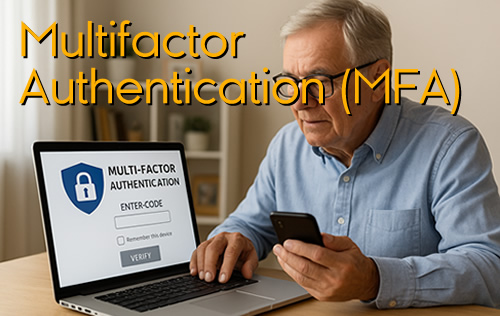
Here at SwiftServe It, we know this may sound confusing, MFA, 2FA, Authentication, Encryption, Clear Text, Ransomware, Brute Force Attack, VPN, and all the other techno lingo that goes with it. We get it, however we do believe it is in your best interest to embrace MFA on your various login accounts, most notably, internet banking, email and other key systems and accounts.
For example, you may have MFA enabled on your bank account login but have you set it up on your Superannuation account login and your Microsoft 365 Account and Email accounts? All it takes is for a scammer/hacker to target one of these accounts of yours and if you can no longer access your Email account, it makes your digital life immediately very difficult.
Multi-Factor Authentication (MFA) also can be known as 2FA (Two Factor Authentication)
 Why MFA is your best lock on the door
Imagine locking your front door but leaving the key under the mat. That’s what relying on a password alone is like — and cybercriminals know it.
Multi-Factor Authentication (MFA) adds an extra lock, making sure that even if someone guesses or steals your password, they still can’t get in without your second key.
 How MFA protects you:
A password plus a code sent to your phone or email.
A fingerprint or face scan.
A security app that generates unique codes every 30 seconds.
Think of it as a deadbolt on your digital front door. Even if hackers steal the key, they still can’t open the door without your second lock.
 Without MFA, one stolen password could unlock your email, banking, and social media all at once.
 At SwiftServe IT, we strongly recommend turning on MFA for:
Email accounts (Gmail, Outlook, etc.)
Banking and financial logins
Shopping sites and subscription services
Social media accounts
 It’s quick to set up and can save you from costly headaches.
 Never reuse, never share, never send passwords in clear text — and always lock the door with MFA.