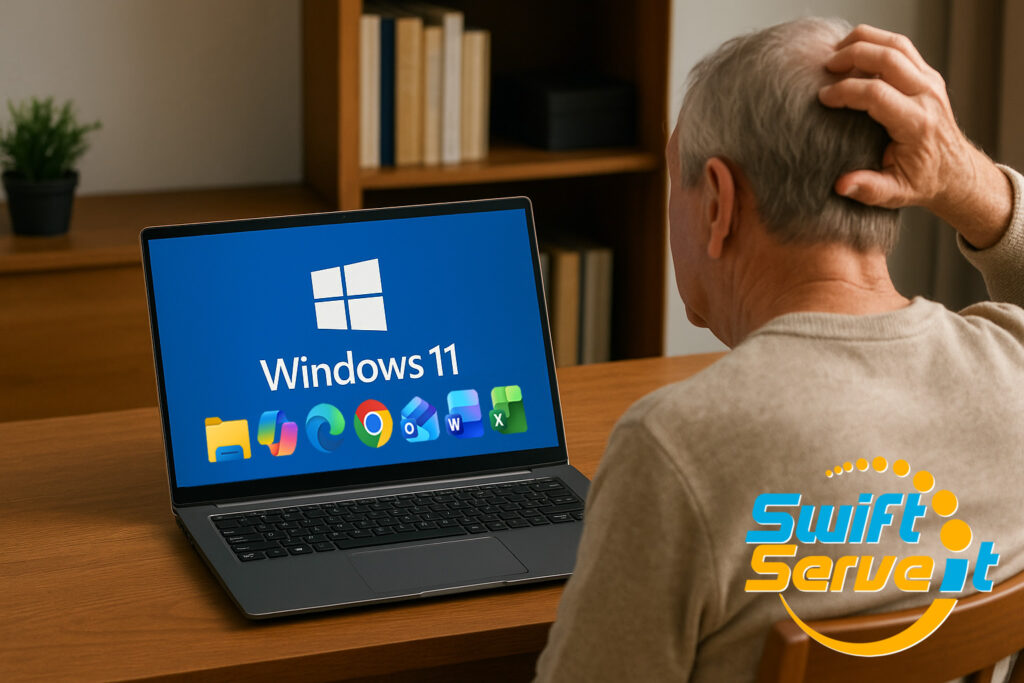
At SwiftServe It, we work with residential customers every day—especially retirees who tell us: “I’m not technical.”  or “I don’t understand computers.”
And that’s absolutely okay… until it isn’t.
 Why a lack of Windows (or Mac) knowledge puts you at higher risk
When you don’t understand the basics of how your computer works, you become vulnerable to:
 Scams & remote-access fraud
Scammers can sit right in front of you or on the phone and install malicious software while you think they’re helping.
 Password theft & identity misuse
When you don’t recognise the signs of suspicious activity, you can’t stop it.
 Accidental data loss
Not knowing how files, photos, emails and backups work means family memories can disappear with a single wrong click.
 Unsafe downloads & pop-ups
Without confidence in what’s legitimate, it’s easy to install harmful software accidentally.
These risks aren’t due to age or ability — they’re simply due to lack of training and sadly, scammers know this.
 The truth:
A basic understanding of the Windows operating system (or Mac OS) dramatically reduces your risk of being scammed or losing precious data.
You don’t need to be an IT expert.
 What you can do:
Take the time to use and understand the basics:
Commonly used Windows Applications
 Windows File Explorer Microsoft Edge or Google Chrome Browser Microsoft Outlook (or your preferred Email app) Microsoft 365 Word, Excel and CoPilot TrendMicro or Norton 360 (or your preferred Antivirus)
Common Activities
Internet Banking Online Shopping i.e Amazon.com or Temu Password Hygine Using your Antivirus subscription and its Safe Surfing browser plugin to staff safe online. Windows updates, keeping your system updated.
 How SwiftServe IT Helps
We specialise in supporting everyday home users with:
One-on-one training on Windows & Mac fundamentals Safe browsing & scam-avoidance guidance Backup setups so your photos and documents are always protected Device clean-ups, security checks & health reports
Whether you use your computer for family photos, emails, online banking or staying connected, we’re here to help you use it safely and confidently.
 Need help understanding your computer?
SwiftServe IT provides local, reliable and friendly home IT support across the Redlands.
Protect your data, protect your confidence—get the right help today.
 Message us or call SwiftServe IT to book an appointment.
SwiftServe IT – Commercial and Residential Technology Support
Email: support@swiftserveit.com.au
Office: (07) 3184 2443
Website: www.swiftserveit.com.au
LinkedIn: https://www.linkedin.com/company/swiftserveit/
Facebook: https://www.facebook.com/swiftserveit