Hi everyone, Mike here from SwiftServe IT 👋
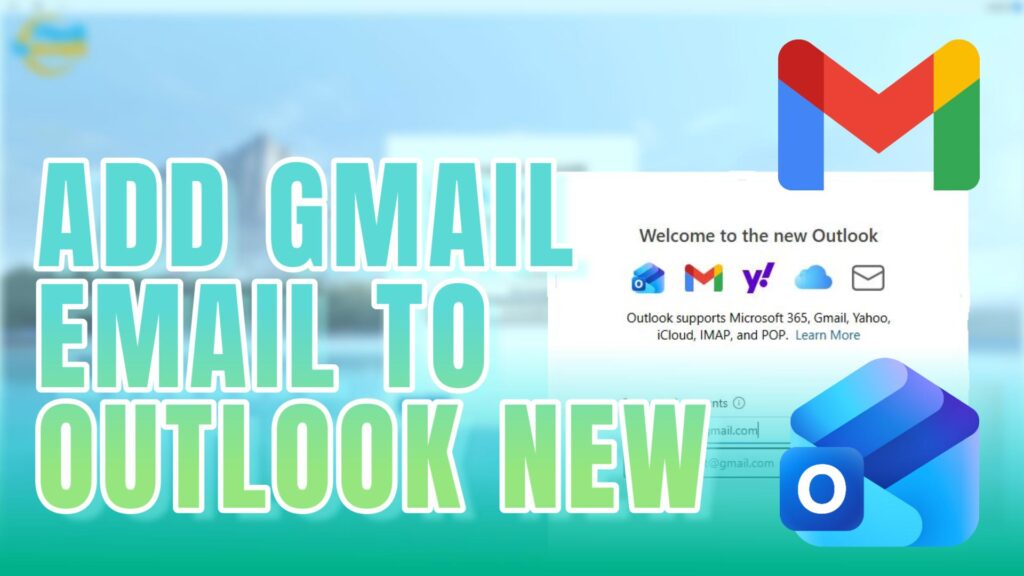
In today’s quick tutorial, I walk you through how to add your Gmail account to the new Outlook app in Windows 11.
If you’ve ever had issues with emails not syncing properly in the older Outlook version — you’re not alone. The new Outlook has been redesigned and handles Gmail much more reliably 👍
✅ What you’ll learn:
How to open the new Outlook
Adding your Gmail address step-by-step
Granting access safely
Getting your inbox up and running
It’s a simple process once you see it done 👌
If you get stuck or prefer someone to set it up for you, I’m always here to help.
📞 Reach out to SwiftServe IT
📍 Supporting local homes and small businesses
More easy-to-follow tech tips coming soon!
Michael Harding
Principal and Lead Technical Account Manager
𝐒𝐰𝐢𝐟𝐭𝐒𝐞𝐫𝐯𝐞 𝐈𝐓
𝐀𝐁𝐍: 38 460 099 144
𝐏𝐡𝐨𝐧𝐞: (07) 3184 2443
𝐄𝐦𝐚𝐢𝐥: support@swiftserveit.com.au
𝐖𝐞𝐛: https://swiftserveit.com.au